How to Photograph the Northern Lights with a Phone or Camera
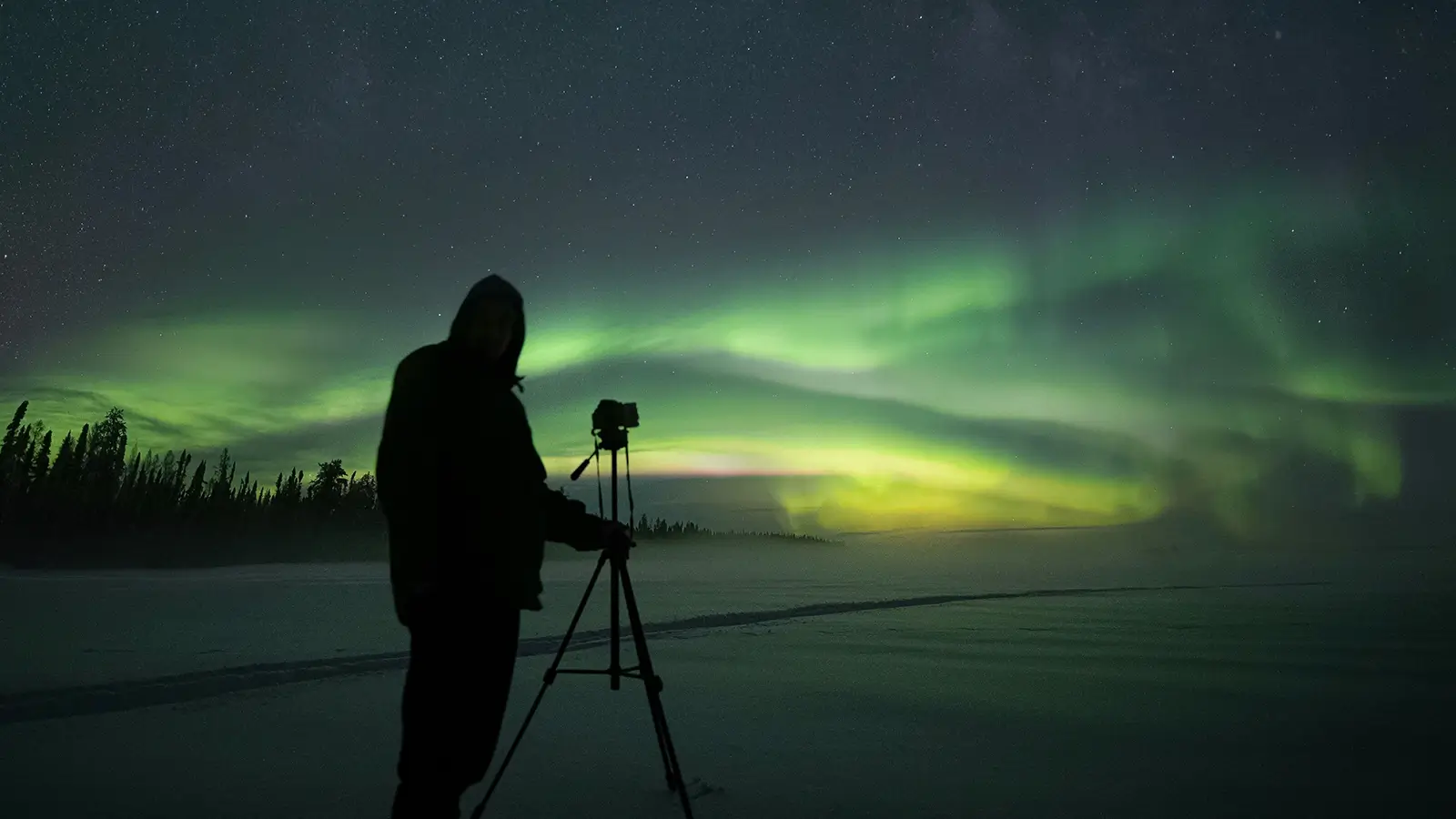
Photographing the Northern Lights is possible with many modern smartphones and cameras, but the best results usually come from preparation rather than expensive equipment. Use a stable support, focus carefully, allow enough light into the lens and keep spare battery power available. Aurora activity and weather are unpredictable, so treat photography as a way to remember the experience—not a guarantee that every image will match what you see in the sky.
At a glance
Prepare before going outside
Charge your phone or camera, clear storage space, pack spare power and keep your equipment accessible.
Keep the camera stable
A tripod or another secure support helps prevent blur during the longer exposures often needed in low light.
Focus on the sky
Use manual focus or lock focus on a distant light or star before photographing the aurora.
Start with more light
Use a wide aperture, a higher ISO and a shutter speed that suits the movement of the Northern Lights, then adjust.
Expect variation
The aurora may be faint, fast-moving, partly hidden by cloud or less colourful to the eye than in a long-exposure photograph.
What equipment do you need?
You do not need a professional camera to try photographing the Northern Lights. A modern smartphone with a night mode can produce useful images, while a camera with manual controls gives you more flexibility.
- Smartphone: Use a model with a night mode or manual camera controls. A small tripod or stable phone mount is helpful.
- Camera: A camera that allows manual control of shutter speed, aperture and ISO is useful. A wide-angle lens can include more sky and landscape.
- Support: Use a tripod where possible. If you do not have one, place the device on a stable surface and avoid touching it during the exposure.
- Accessories: Bring spare batteries or a charged power bank, but protect batteries and devices from moisture and follow the equipment manufacturer's instructions.
Keep gloves, a lens cloth and a small light available. Handle bright lights carefully so you do not disturb other viewers' night vision or photographs.
How to photograph the Northern Lights with a phone
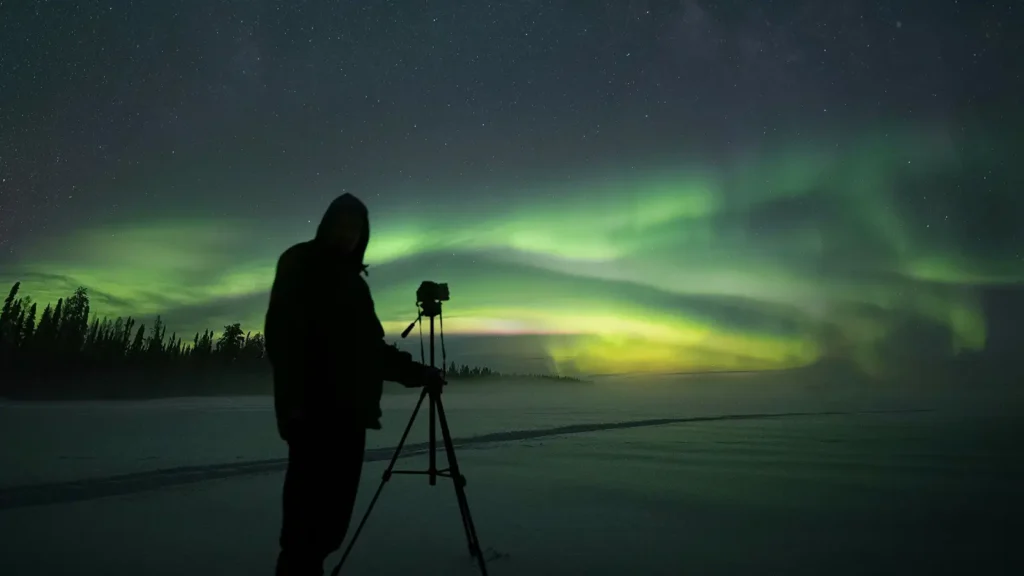
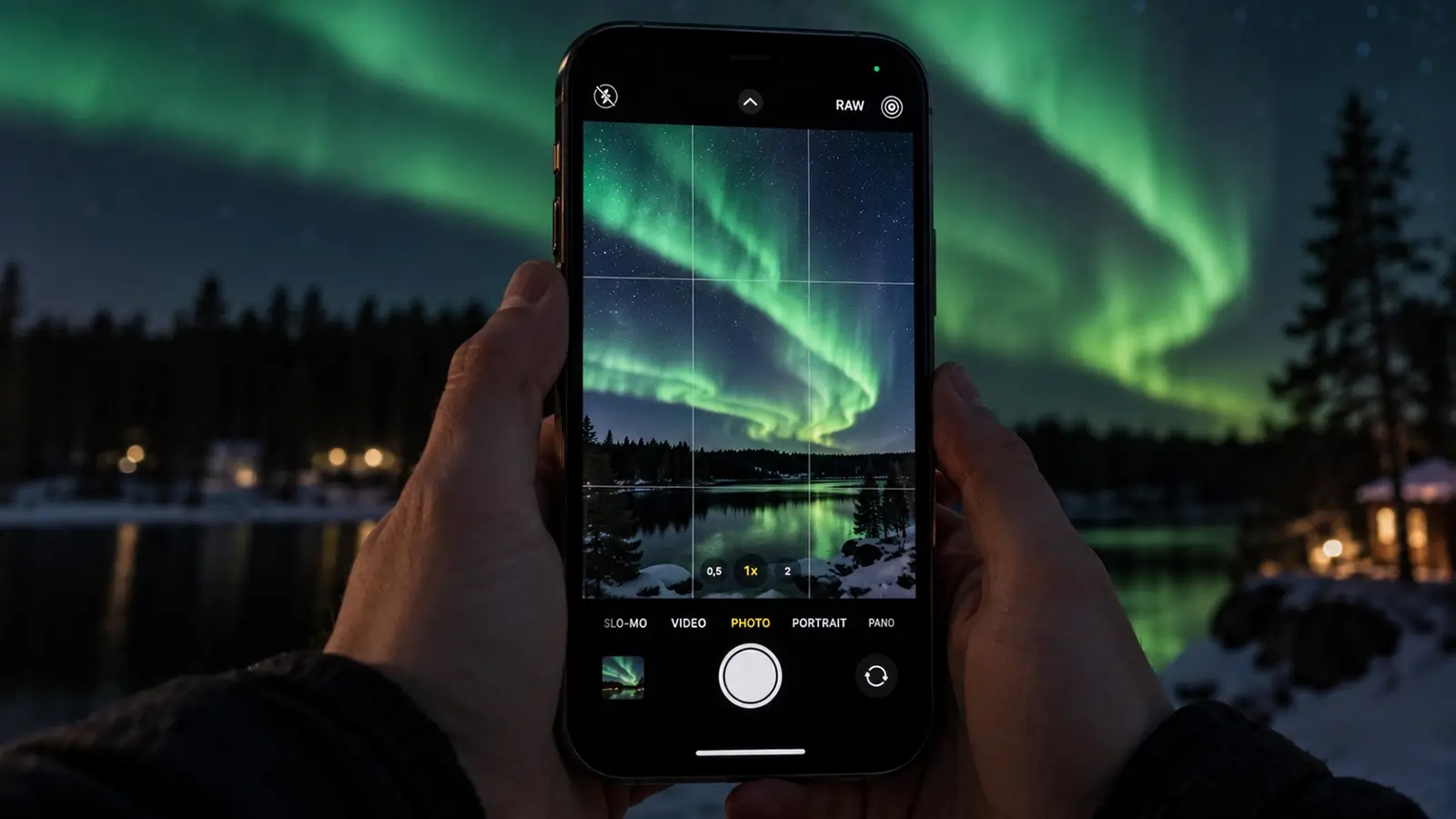
Start by opening the phone's dedicated night mode or manual camera mode before the aurora becomes active. Turn off the flash, set the phone on a stable support and use a timer or remote shutter if available.
- Clean the lens gently with a lens cloth.
- Choose the rear camera rather than the front-facing camera when possible.
- Set the phone on a tripod or secure surface.
- Use night mode, a long-exposure option or manual controls.
- Tap to focus on a distant light or use manual focus toward infinity if the phone allows it.
- Take several images and adjust the exposure if the sky looks too bright or too dark.
Night mode may combine several frames, so movement can create unexpected blur. This is normal. If the aurora is moving quickly, try a shorter exposure or a mode that gives you more control.
Camera settings for a first attempt
There is no single perfect setting because darkness, cloud, moonlight, lens brightness and aurora movement all change. Use these as starting points rather than fixed rules.
- File type: Use RAW if you are comfortable editing photographs; JPEG is simpler for quick sharing.
- Aperture: Choose the widest practical aperture, represented by the smallest available f-number.
- Shutter speed: Begin with a few seconds for a faint or slowly changing aurora. Use a shorter exposure when the aurora is bright or moving quickly to retain structure.
- ISO: Start with a moderately high ISO and increase it if the image is too dark. Higher ISO can also create more image noise.
- Focus: Use manual focus where possible. Focus on a distant light or star, check the result by zooming in and adjust carefully.
- White balance: Auto white balance is a reasonable starting point. Photographing in RAW gives you more flexibility later.
Review the histogram or image preview, but do not judge brightness only by the screen. A phone display can look bright in darkness even when the photograph is underexposed.
Stability, composition and focus matter most
Blur is one of the most common problems in Northern Lights photographs. Mount the camera securely, extend the tripod carefully and avoid moving the setup after framing the shot. Turn off image stabilisation when your camera or lens manufacturer recommends doing so for tripod use.
For composition, include a foreground such as trees, a building or a snowy landscape to give the sky scale. Leave enough space around the aurora for it to move through the frame, and try both a wide landscape view and a tighter composition. Keep horizons level and check the edges of the frame for bright distractions.
Autofocus can struggle in darkness. Focus before the main photography begins, then use a test image and zoom in to check sharpness. Do not assume that turning the focus ring fully to infinity will always produce the sharpest result; confirm it with your equipment.
Protect battery life and equipment
Cold conditions can reduce battery performance, especially during prolonged outdoor photography. Begin with fully charged batteries, carry spares close to your body and limit unnecessary screen use. A power bank can help with a phone, provided it is suitable for the device and protected from moisture.
Move equipment gradually between cold outdoor air and warm indoor spaces. Sudden temperature changes can cause condensation. Keep cameras and phones protected while moving indoors, and let equipment acclimatise according to the manufacturer's guidance before opening bags or changing lenses.
Use a lens cloth to remove moisture, snow or fingerprints. Avoid breathing directly onto a cold lens, as this can create condensation or frost.
Set realistic expectations
A camera can record colour and detail that is difficult to see with the naked eye because it gathers light over time. That does not mean every photograph will look like a vivid aurora image found online. Weather, cloud, darkness, light pollution, moonlight, aurora activity and camera settings all affect the result.
The Northern Lights are natural phenomena and do not appear on demand. Check current aurora information and the local sky conditions, but treat forecasts as guidance rather than a promise. If the sky is cloudy or the aurora is faint, enjoy the landscape and the experience instead of spending the entire evening adjusting settings.
At Tiera Resort in Taivalkoski, you can combine your Northern Lights plans with a stay in Northern Finland. Explore the resort's Northern Lights information and Aurora Forecast pages before deciding how to prepare for an evening outside.
Planning a Northern Lights trip to Taivalkoski? Explore accommodation at Tiera Resort and prepare for an evening of sky watching and photography in Northern Finland.
Frequently asked questions
Can I photograph the Northern Lights with a phone?
Yes. A modern phone with night mode or manual controls can photograph the Northern Lights. Use a stable support, turn off the flash, focus carefully and keep the phone still during the exposure.
What is the best camera setting for the Northern Lights?
There is no universal setting. As a starting point, use the widest practical aperture, a moderately high ISO and a shutter speed of a few seconds. Shorten the exposure for a bright, fast-moving aurora and adjust after reviewing a test image.
Do I need a tripod to photograph the aurora?
A tripod is strongly recommended because low-light photography often requires the camera to remain still for several seconds. If you do not have one, use a stable surface and a timer or remote shutter.
How do I focus on the Northern Lights at night?
Autofocus may struggle in darkness. Focus on a distant light or star, then switch to manual focus or lock focus if your equipment allows it. Check a test photograph at high magnification before continuing.
Why do my Northern Lights photographs look brighter than what I saw?
A camera can collect light over a longer exposure than your eyes do in an instant. As a result, photographs may show more colour or detail than was visible at the time.
How can I keep my phone or camera working in the cold?
Start with a full charge, carry spare batteries or a suitable power bank, reduce unnecessary screen use and protect equipment from moisture. Allow cold equipment to acclimatise gradually when bringing it indoors.